Indian e-commerce sellers and logistics coordinators at small businesses who need to confirm delivery serviceability before promising shipping to a customer.
How it works
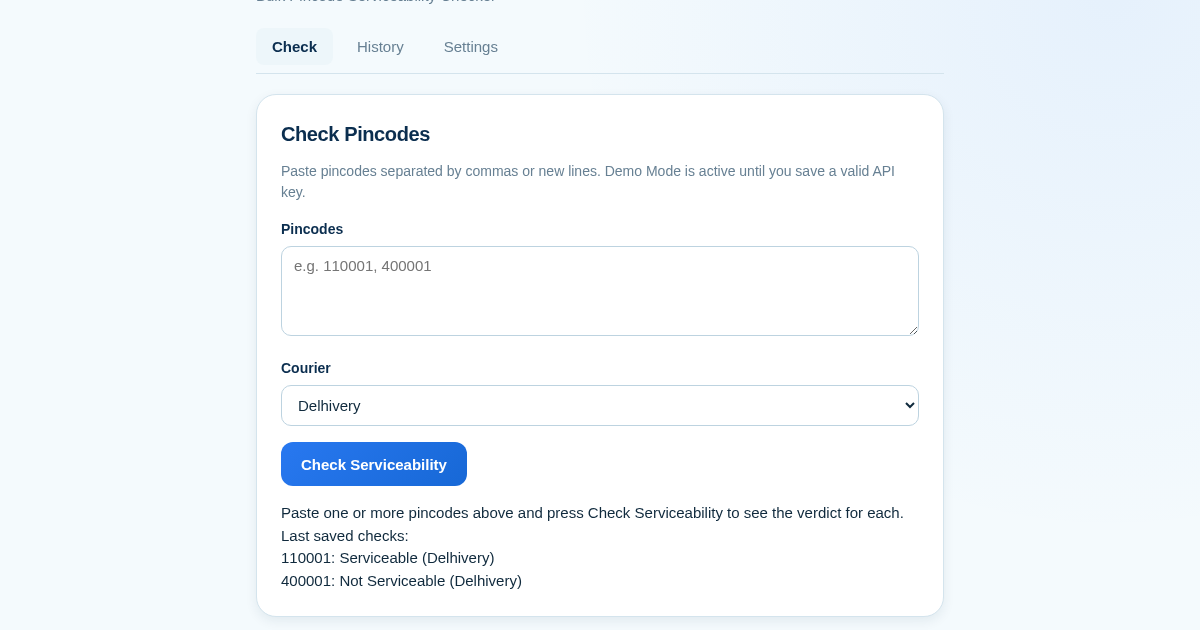
- Paste a list of pincodes (comma or newline separated) into the input field.
- Select a courier profile from the preset dropdown (Delhivery, Bluedart, DTDC, or Shiprocket).
- Click Check to run the serviceability check against the courier's serviceability endpoint using your saved API key, or in demo mode if no key is set.
- View results instantly, with invalid pincodes reported per entry, and every check automatically saved to your history log.
What you gain
- Check multiple pincodes in one go, saving time.
- Use your own courier API key, avoiding middleman markup.
- Preset profiles for major Indian couriers ensure correct parameters.
- Every check is saved automatically for easy record-keeping.
- Export history as CSV for accounting and audits.
- Try it instantly in demo mode without needing an API key.
Screenshot
Technical details
Integrations
Shiprocket
We have no partnership with the companies named above; the product works with these services' public APIs.
How to set up & use
- Buy the license — your key (lic_...) appears on the order page and in your email.
- Sign in at app.synoriaai.com with your license key.
- No installation — the product runs in your browser, on your own isolated instance.
- 1. Open PinServe – you'll land in Demo Mode, so you can try it right away without adding a courier key.
- 2. Go to the Settings tab, paste your courier API key (e.g., for Shiprocket), and save it. If the key isn't well-formed, you'll see 'Invalid Shiprocket API token' and it won't be stored.
- 3. Return to the main tab, paste your pincodes (comma-separated, like '110001, 400001') into the input box.
- 4. Pick your courier from the dropdown (Delhivery, Bluedart, DTDC, or Shiprocket).
- 5. Click 'Check' – you'll see each pincode with its serviceability verdict (e.g., '110001: Serviceable'). Every check is saved automatically to your history, which you can download as CSV.
Frequently asked questions
Is my courier API key safe with PinServe?
Yes – the key is stored only on your device and used directly to call the courier's API. PinServe doesn't see or store your key on its servers, and there's no middleman markup.
What does Demo Mode show me?
Demo Mode uses bundled sample data to show you how the tool works without a real API key. It gives example serviceability results (like '110001: Serviceable') so you can test the flow, but it doesn't check real pincodes.
Does PinServe check pincodes for all couriers at once?
No – you select one courier at a time from the preset profiles (Delhivery, Bluedart, DTDC, Shiprocket). You can run separate checks for each courier, and each check is saved to your history.
Related products
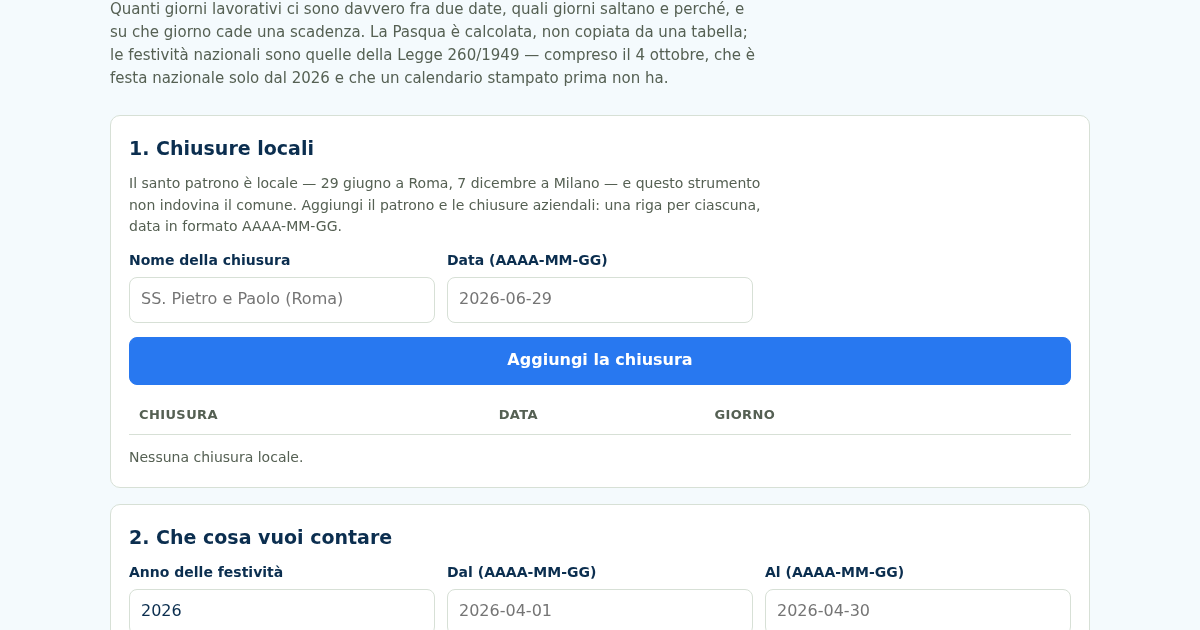
Giorni Utili: Giorni Lavorativi e Festività Italiane
Dal 2026 il 4 ottobre è festa nazionale — la Legge 8 ottobre 2025, n. 151 l'ha aggiunto all'elenco dell'articolo 2 della Legge 260/1949 — e un calendario stampato prima non ce l'ha. Nello stesso 2026 cinque delle dodici…
Giorni Utili: Giorni Lavorativi e Festività Italiane
Dal 2026 il 4 ottobre è festa nazionale — la Legge 8 ottobre 2025, n. 151 l'ha aggiunto all'elenco dell'articolo 2 della Legge 260/1949 — e un calendario stampato prima non ce l'ha. Nello stesso 2026 cinque delle dodici…
Giorni Utili: Giorni Lavorativi e Festività Italiane
Dal 2026 il 4 ottobre è festa nazionale — la Legge 8 ottobre 2025, n. 151 l'ha aggiunto all'elenco dell'articolo 2 della Legge 260/1949 — e un calendario stampato prima non ce l'ha. Nello stesso 2026 cinque delle dodici…
Giorni Utili: Giorni Lavorativi e Festività Italiane
Dal 2026 il 4 ottobre è festa nazionale — la Legge 8 ottobre 2025, n. 151 l'ha aggiunto all'elenco dell'articolo 2 della Legge 260/1949 — e un calendario stampato prima non ce l'ha. Nello stesso 2026 cinque delle dodici…